Before uploading a DV photo: a final checklist and common mistakes
Prepared by Photos7 · Viralink LLC
Reviewed: October 19, 2026 · 6 min read
You can prepare a valid file and still choose an old copy with a similar name during submission. A final review connects the right picture with the right file and instructions. Set aside time after downloading rather than rushing this step inside the application form.
Start with the source and capture date
You need a recent photograph reflecting your current appearance; the photo requirements specify the preceding six months. Download and modification dates are not capture dates. Ask the photographer if you do not know, and keep a separate note of the session.
Do not rely on an image from an older entry or treat a new crop as a new photograph. Published DV instructions warn against resubmitting a prior year’s photo or manipulating it. Review the instructions for your entry year; this guide explains photographs rather than announcing registration dates or eligibility.
Government reference: Official photo requirements · Official DV instructions
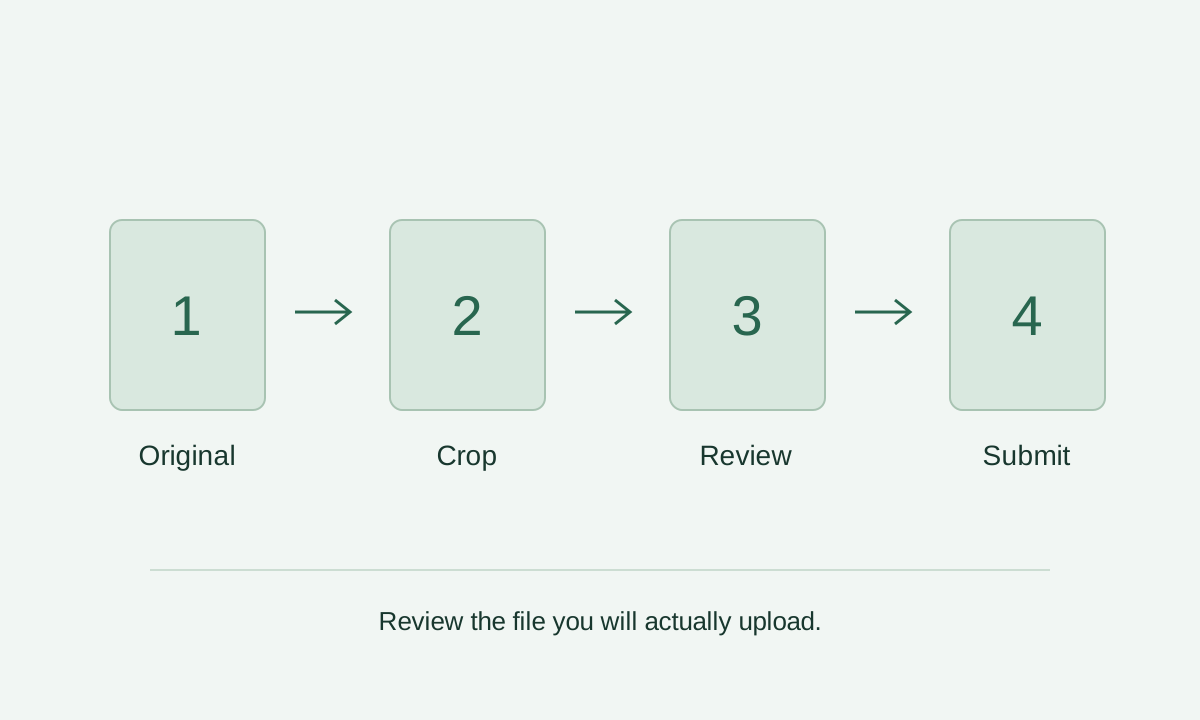
Review composition in the copy you will actually upload
Open the downloaded file, rather than relying only on the editor preview. Is all the hair visible? Is the chin inside the frame? Does the face point toward the camera? Is the background beside the head and shoulders clear? Then review head and eye measurements, remembering that eye height is measured from the bottom.
Framing cannot establish every visible detail. Inspect glasses, expression, blur, and shadows in both the original and final copy. If the head looks too large despite a comfortable measurement, revisit the guides: a head or chin landmark may be misplaced.
Government reference: Official composition template
Separate file checks from picture checks
Technical review reads the format, dimensions, and amount of data. Visual review looks at the picture. Capture date and prior use require your own knowledge; a readable JPEG or favourable AI report cannot establish them.
Use the separate homepage AI check if you want another review of the original and consent to external transmission. It is unnecessary for cropping. Unavailability is not a reason to keep submitting repeatedly. Compare an unclear observation with an official example or discuss the shot with your photographer.
Government reference: Official photo requirements · Digital image requirements
Keep one clearly identified submission copy
Put the original and final copy in different folders or give them distinctive names. Avoid confusing names such as final2 and final3 when you will choose from a small phone screen. Open the file from its final location to confirm it contains the intended picture.
Transfer it to your application device as a file that preserves the data. Compare dimensions and size after receipt. Avoid relying on a messaging-app image or screenshot. Keep the original so a later crop starts from it rather than from an already compressed export.
Use the official form’s actual error message
If an upload is rejected, read the message carefully. A format issue differs from a size or connection problem. Inspect the file selected, then address the stated cause. Randomly changing several settings makes it harder to know which copy you used.
Photos7 prepares a photo rather than entering the lottery on your behalf or establishing that registration is open. Use the official government program website and current instructions. Review each person’s details and picture in the entry carefully. A successful technical upload is not a final acceptance decision.
Government reference: Official DV instructions
Frequently asked questions
Can I use last year’s photo if I look the same?
Do not rely on it. Recency and entry requirements matter as well as resemblance. Saving or cropping the file again does not change when it was taken. Obtain a recent portrait and review the instructions for your entry year.
Every report item is green. Is the review finished?
Open the final copy yourself. Measurements depend on the head and eye guides, visual inspection may miss detail, and the image cannot prove its date. Complete the personal confirmations and follow the official source.
Do I need to print a 600×600 photo before entering DV?
The initial DV entry uses a digital image. Interview prints belong to a later workflow with separate instructions. Do not replace the digital original with a photograph of a print or assume pixel dimensions alone establish print size.
Does Photos7 accept photos on behalf of the State Department?
Photos7 is an independent review and file preparation service. It has no official affiliation or authority to accept an entry or photograph. Its observations support your review; the relevant authority decides acceptance.
What information helps support diagnose a technical problem?
Share the device, browser, step, exact error message, and file dimensions and size where relevant. Do not send secret keys, application data, or a personal portrait merely to describe a size issue. Diagnosis can start with those technical details.