AI photo inspection: what it checks and how to read the result
Prepared by Photos7 · Viralink LLC
Reviewed: October 19, 2026 · 5 min read
You can start AI inspection on the homepage before cropping. Choose your original if you want another look at lighting, clarity, and visible details. Inspection is separate from the size preparation tool; use either service according to your needs.
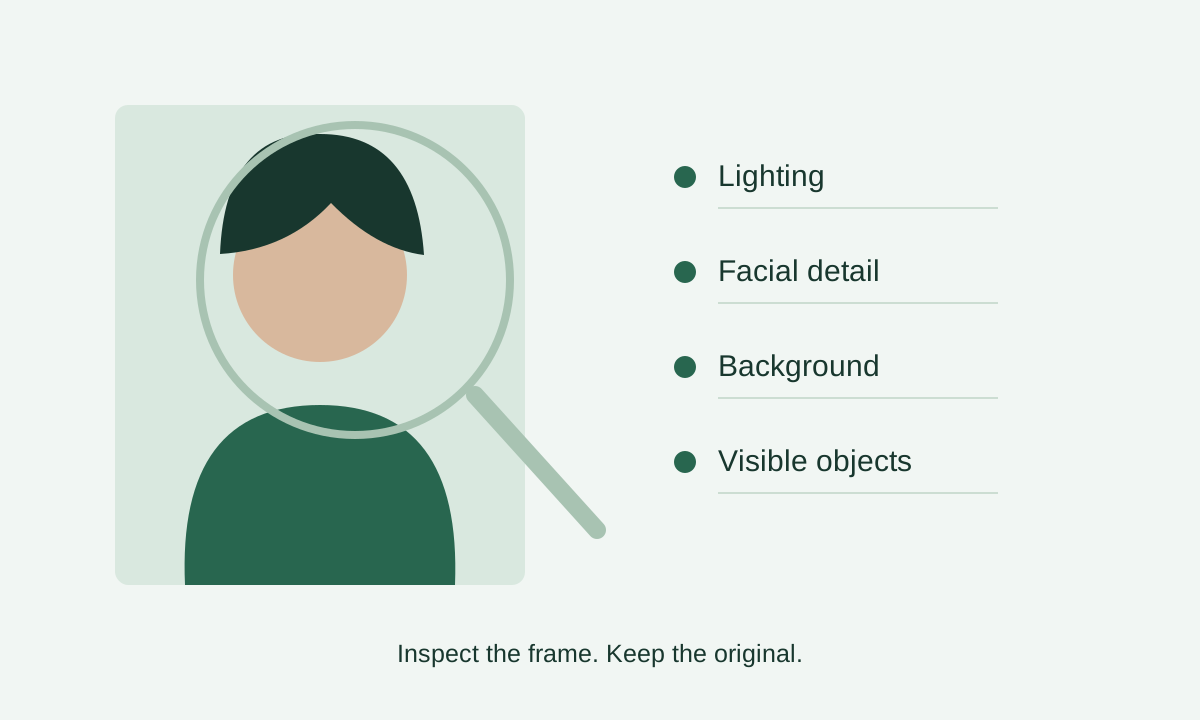
Start with the question you need answered
You may already have a prepared photo and want to check for shadows, blur, glasses, or a visible background issue. Or you may have a wider portrait to review before choosing a frame. Inspection helps draw attention to details worth checking.
The report contains observations about specific visible features. Read each item and inspect the picture to locate the concern yourself. It is not a complete description of everything in the scene and may misread a dark area, a hair boundary, or a reflection.
Preserve the proportions without cropping or retouching
The browser prepares a smaller JPEG copy while preserving the original width-to-height ratio for inspection. This path does not crop the head, redraw the background, remove shadows, or beautify the face. Your original remains on your device.
A rectangular image can therefore be useful for visual inspection while still being unsuitable as the final DV entry file. If you later want a 600×600 file, open the separate crop tool and review composition and the exported file there.
Read uncertainty before making a decision
An item without a detected issue means the inspection found no clear concern in the copy it received. A warning calls for review; an uncertain result means the system could not assess the item confidently enough. None of these states is an official acceptance percentage.
A reduced copy can hide fine detail, so inspect the full-size original as well. If the camera moved or the top of the head is missing, a clearer original or a new shot is often the useful next step. Another check of the same image cannot restore that information.
Consent controls the external inspection request
Selecting a file for preview does not request inspection. After you consent and press the check button, a JPEG copy is sent through Photos7’s Cloudflare server to OpenAI for analysis. Our application does not intentionally save the image in a database or object store; provider processing and retention depend on its terms and account settings.
Use the local crop tool and guide if you prefer not to transmit the picture. You can stop waiting, but cancellation after a request arrives cannot recall transmitted data or refund a counted attempt. Read the privacy page first, particularly when checking someone else’s photo.
What AI cannot establish
Inspection cannot certify capture date, earlier submissions, identity, or a complete editing history. It cannot decide medical or religious exceptions or grant official approval. Check the documents and instructions yourself instead of inferring these facts from a face.
The interface shows the available allowance. A household or office may share a network allowance. Local cropping remains available when the allowance is exhausted or inspection is unavailable. AI is optional, and Photos7 is an independent service rather than a government authority.
Government reference: Official photo requirements · Official photo FAQs
Frequently asked questions
Must I inspect a photo before cropping it?
No. The services are independent. Inspect the original if you want visible observations, or open the crop tool directly to prepare framing and dimensions. Requesting or declining inspection does not change the official DV file requirements.
Does a good report mean my DV photo will be accepted?
The report is an aid concerning the image copy you sent. File checks, composition, recency, and application instructions still matter. The official authority makes the decision; this service does not issue an acceptance certificate.
Will AI correct lighting or remove glasses?
No. Photos7 provides inspection only. If the review identifies a capture problem, discuss a retake or obtain a suitable original. We do not generate a replacement portrait or change facial features.
Does opening a photo send it for inspection?
An external inspection requires consent and a press of the check button. A reduced copy then travels through Cloudflare to OpenAI. The privacy page explains this path; decline inspection if you prefer not to use it.
Why not repeat the check until the answer changes?
Repeated answers may vary without any improvement to the picture. Inspect the flagged item and original, then address the capture problem. Provider attempts also remain counted in some failure cases to protect the service allowance.