600×600 and under 240 KB: review the actual JPEG file
Prepared by Photos7 · Viralink LLC
Reviewed: October 19, 2026 · 5 min read
Pixels describe an image’s width and height. Bytes describe the size of the stored file. Two images with identical dimensions can have quite different file sizes because of their detail and JPEG compression settings.
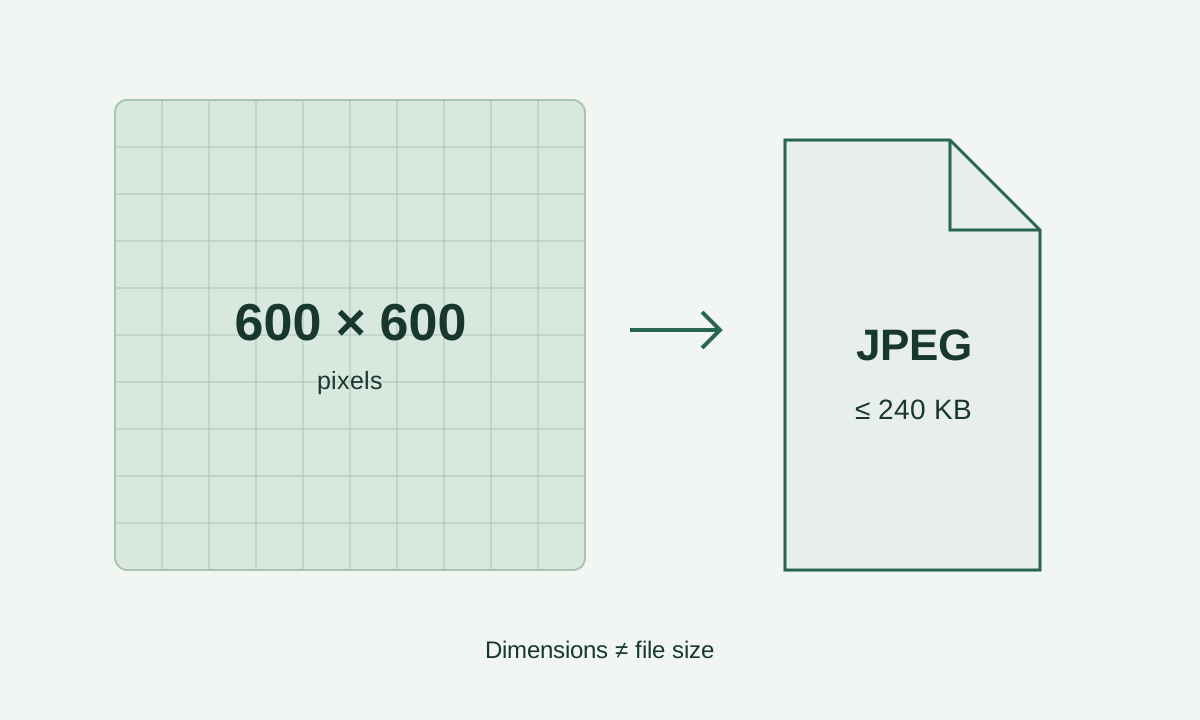
Check the actual dimensions
Open the downloaded file’s information and inspect its width and height. A name such as photo_600.jpg is not evidence of its dimensions. Renaming a PNG extension to JPG does not convert the image either; it must be exported in the correct format.
Photos7 selects a crop from the source and exports it at 600×600. If that source crop is smaller, the site asks for a higher-resolution original. Enlarging the file creates no new detail even when its width and height appear suitable.
Government reference: Official photo requirements
DV entry requirements are application-specific
The State Department’s digital DV entry section specifies a square 600×600 JPEG no larger than 240 KB. Its general digital image guide describes a wider dimension range; follow the section for your particular application rather than a general heading.
Inches, centimetres, and print density concern a different workflow. Changing a DPI label cannot turn 300×300 pixels into 600×600 or add detail. Preserve the original if you also need prints prepared under interview instructions.
Government reference: Official photo requirements
Why can equally sized images produce different files?
Hair, texture, and detailed edges need more information than uniform areas of colour. No single JPEG quality setting produces the same file size for every photo. Aggressive compression can introduce blocks or ringing near facial features.
The exporter searches for the highest suitable quality within the limit and uses a conservative 240,000-byte ceiling. It also checks the compression ratio using uncompressed RGB data and the encoded JPEG size. The smallest possible file is not the quality target.
What about colour and compression ratio?
The official digital guide specifies 24-bit RGB colour in sRGB and a compression ratio no greater than 20:1. These concern file encoding; a JPG extension or the brightness of your display cannot establish them.
Here is the calculation used by the tool: 600 × 600 × 3 equals 1,080,000 bytes of uncompressed RGB data. For a 180,000-byte JPEG, the calculated ratio is 6:1. This illustrates the technical check; the ratio alone cannot establish clear facial detail.
Government reference: Digital image requirements
Preserve the downloaded version
Keep the final file in a clearly named folder and review it without filters or automatic enhancement. When moving it to another device, use a method that transfers the file itself. Some messaging apps recompress pictures or change their dimensions.
Return to the original if you need another crop. Repeatedly saving a JPEG can accumulate detail loss. Avoid taking a screenshot of the final image: that creates another file, possibly with interface elements, empty margins, or different dimensions.
File validity is one part of the review
Open the downloaded copy and check that the picture is complete and the measurement guides are absent. Inspect the hair, face, and background too. A readable JPEG with the correct size cannot prove that a photo is recent or has not been used before.
Different applications have different photo requirements. This workflow is for a digital DV entry photo. Consult the relevant authority if you are preparing a printed photograph or an image for another application.
Government reference: Official photo requirements
Frequently asked questions
Should I choose JPEG, PNG, or HEIC?
The final DV entry file must be JPEG. A browser may open several source formats, but the actual exported format is what matters. If HEIC will not open, obtain a compatible original rather than changing its extension letters.
Is a 50 KB file better than a 200 KB file?
Smaller is not a quality score. For a 600×600 RGB image, a 50,000-byte file gives a 21.6:1 ratio in the tool’s calculation, exceeding 20:1 and preventing export. A 200,000-byte file meets that check alone; it does not establish clear eyes, a suitable background, or correct composition.
Do I need to change the DPI to 300 for a digital upload?
Check pixel dimensions first. A DPI label relates pixels to print size and adds no pixels. Scanning instructions concern a different source workflow; do not turn a print setting into an extra digital upload requirement.
How can I check that a transfer preserved the final copy?
Compare the width, height, and byte count before and after transfer, then open the received file. A change is a reason to inspect sharing settings. Matching values help with practical review but do not establish photo age or acceptance.